
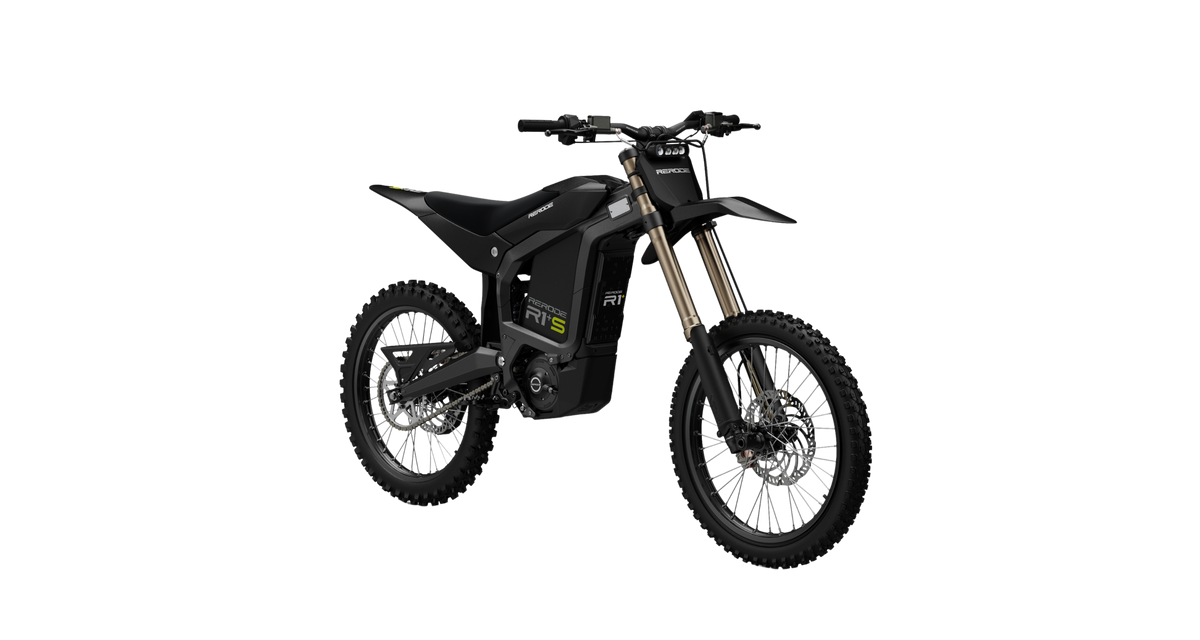




Rerode R1+S: Update the Battery Firmware (ZHIANN App)
Full transcript
Rerode R1+S: Update the Battery Firmware (ZHIANN App)
· @Creighton Ball
1. Overview
This article explains how to update the battery firmware on your Rerode R1+S over the air using the ZHIANN app. By following this guide, you'll learn how to download the ZHIANN app, connect to the BMS inside your bike's battery over Bluetooth, check whether your battery is running the latest firmware, and install an update if one is available. You'll also know where to find real-time battery data and battery health in the app.
2. Prerequisites
Before starting this procedure, ensure you have the following:
Required Permissions
- Access to the ZHIANN app.
- Bluetooth enabled on your mobile device.
- Bluetooth permission allowed for the ZHIANN app.
Software/Tools
- Latest version of the ZHIANN app installed on your iOS device.
Time Required
- Approximately 2 minutes to connect and check your version. Installing an update takes longer.
Hardware/Components
- Rerode R1+S electric dirt bike.
- Smartphone with Bluetooth enabled.
- Bike turned on during the entire procedure.
⚠️ Important: This procedure applies to Rerode R1+S models using the ZHIANN app. Before installing an update, verify you are connected to the correct bike. Its Bluetooth name starts with ZB. Do not close the app until the update has fully completed on the battery.
3. Step-by-Step Instructions (with Visuals)
Follow the steps below to update the battery firmware on your Rerode R1+S using the ZHIANN app. Be sure to complete each step in order.
3.1 Download and Open the ZHIANN App
- Open the App Store on your mobile device.
- Search for ZHIANN, typed in all capitals.
- Download the ZHIANN app.
- Tap Open.
Expected Result: The ZHIANN app opens to the Zhian Energy Platform home screen.
Screenshot:

Tips
- Type the app name in all capitals: Z-H-I-A-N-N.
- You can also download it directly: ZHIANN on the App Store.
- If the app is already installed, tap Open instead of downloading.
3.2 Connect to the Bike
- Turn the Rerode R1+S on.
- Make sure Bluetooth is turned on on your mobile device.
- In the ZHIANN app, tap the green Bluetooth button in the bottom right corner.
- Select your bike from the list of available Bluetooth devices. Its name starts with ZB, followed by a series of letters and numbers.
- Wait until the app connects and shows the main menu.
Expected Result: The ZHIANN app is connected to your R1+S and shows the main menu, including Real-time battery data and Equipment upgrade.
Screenshot:

Tips
- If the app asks to use Bluetooth, allow it.
- Keep the bike turned on for the entire procedure.
- If you have connected before, your bike also appears under Historical connection.
3.3 Check the Battery Firmware Version
- From the main menu, tap Equipment upgrade.
- Find Version selection. It always shows the latest version available.
- Find Official Version The latest version and Current version.
- Compare the two. If they match, your battery is already running the latest firmware and no update is needed.
Expected Result: You can see whether your battery is up to date. For example, a latest version of V1.0.0023 and a current version of v1.0.0023 means no update is needed.
Screenshot:

Tips
- Always check that the latest version available is what is installed on your bike.
- If the current version is lower than the latest version, continue to step 3.4.
3.4 Update the Battery Firmware
- On the Equipment upgrade screen, tap Upgrade.
- Wait for the update to be completed.
- Make sure the update has fully installed onto the battery.
- Close the app.
Expected Result: Your R1+S has the latest firmware installed on the battery.
Screenshot:

Tips
- Do not close the app until the update has fully completed.
- Keep the bike on and your phone within Bluetooth range during the update.
- After the update, check Current version again to confirm it matches the latest version.
3.5 Check Battery Data (Optional)
- With the app connected to your bike, return to the main menu.
- Tap Real-time battery data to view live battery information.
- Use the app to check battery health when needed.
Expected Result: The app shows your battery's real-time data, such as remaining capacity, voltage, current, temperatures and cycle count.
Screenshot:

Tips
- Real-time battery data and Equipment upgrade are the main features you will use in this app.
- For firmware updates, always use Equipment upgrade.
Keep learning

